Customer Portal
Requesters get a focused self-service portal — no clutter, no staff tooling.
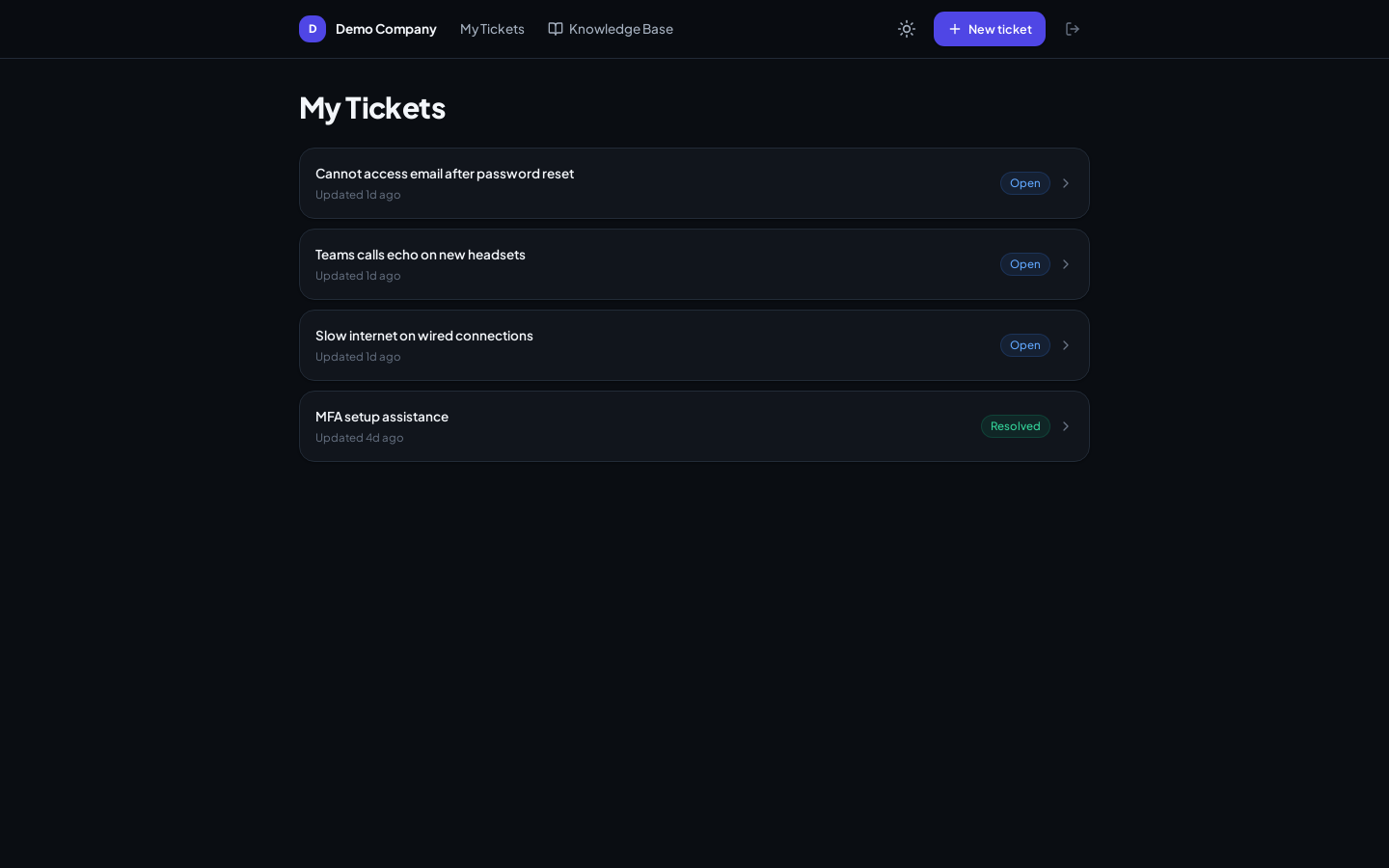
What requesters can do
- Submit tickets with the New ticket button
- Track their own tickets — status at a glance, full conversation on click
- Reply to the technician from the ticket view
- Browse the Knowledge Base to self-serve before raising a ticket
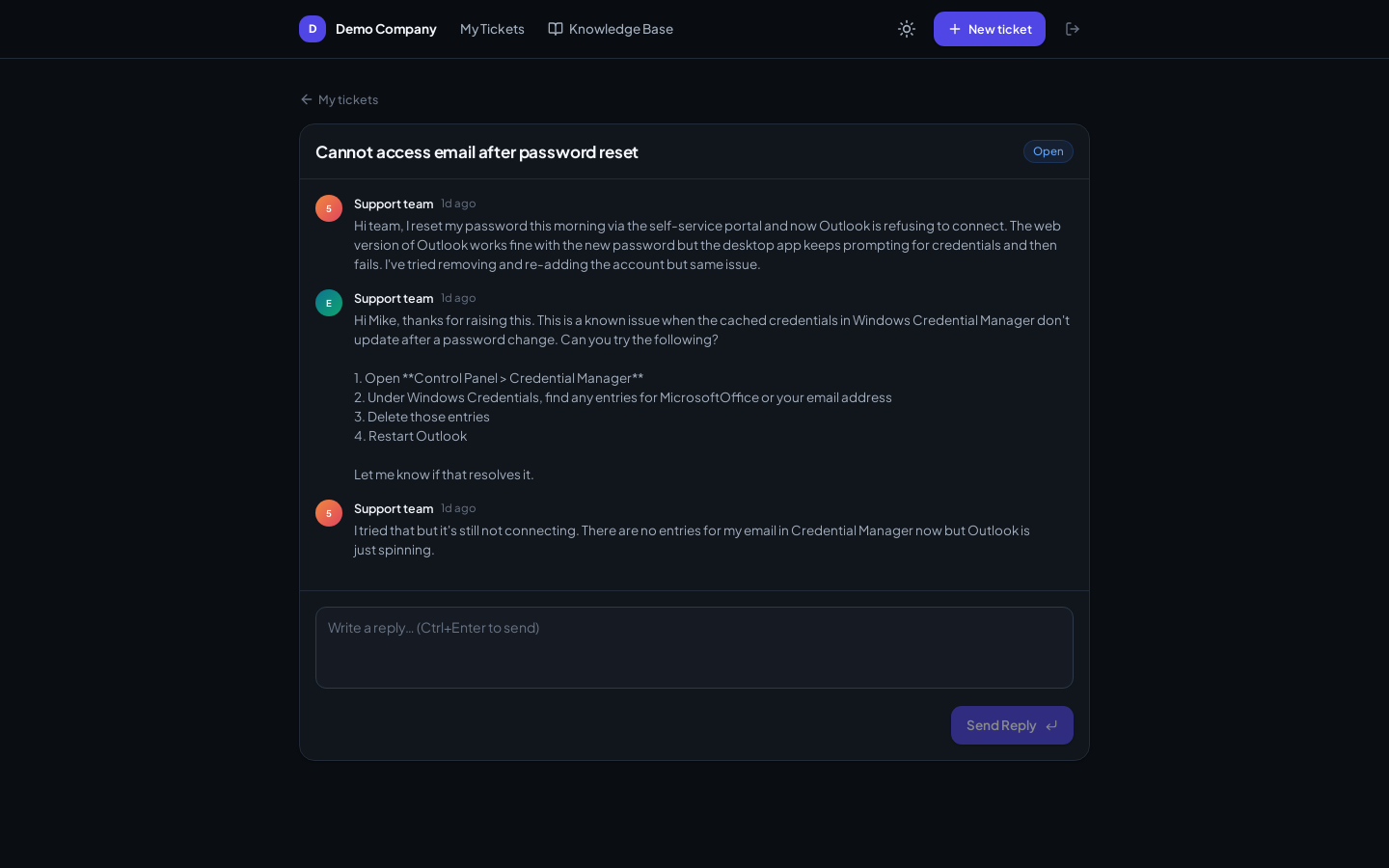
How requesters get accounts
- Created by an admin under Settings → Users, or
- Auto-created when a new email address writes to a connected support mailbox
Requesters only ever see their own tickets. They don't see internal notes, other requesters' tickets, or any admin surface.
Portal vs email
Both work simultaneously. A requester can open a ticket by email, then follow it in the portal — replies stay in sync in one conversation thread.