Integrations
Settings → Integrations connects NexaDesk to the rest of your stack.
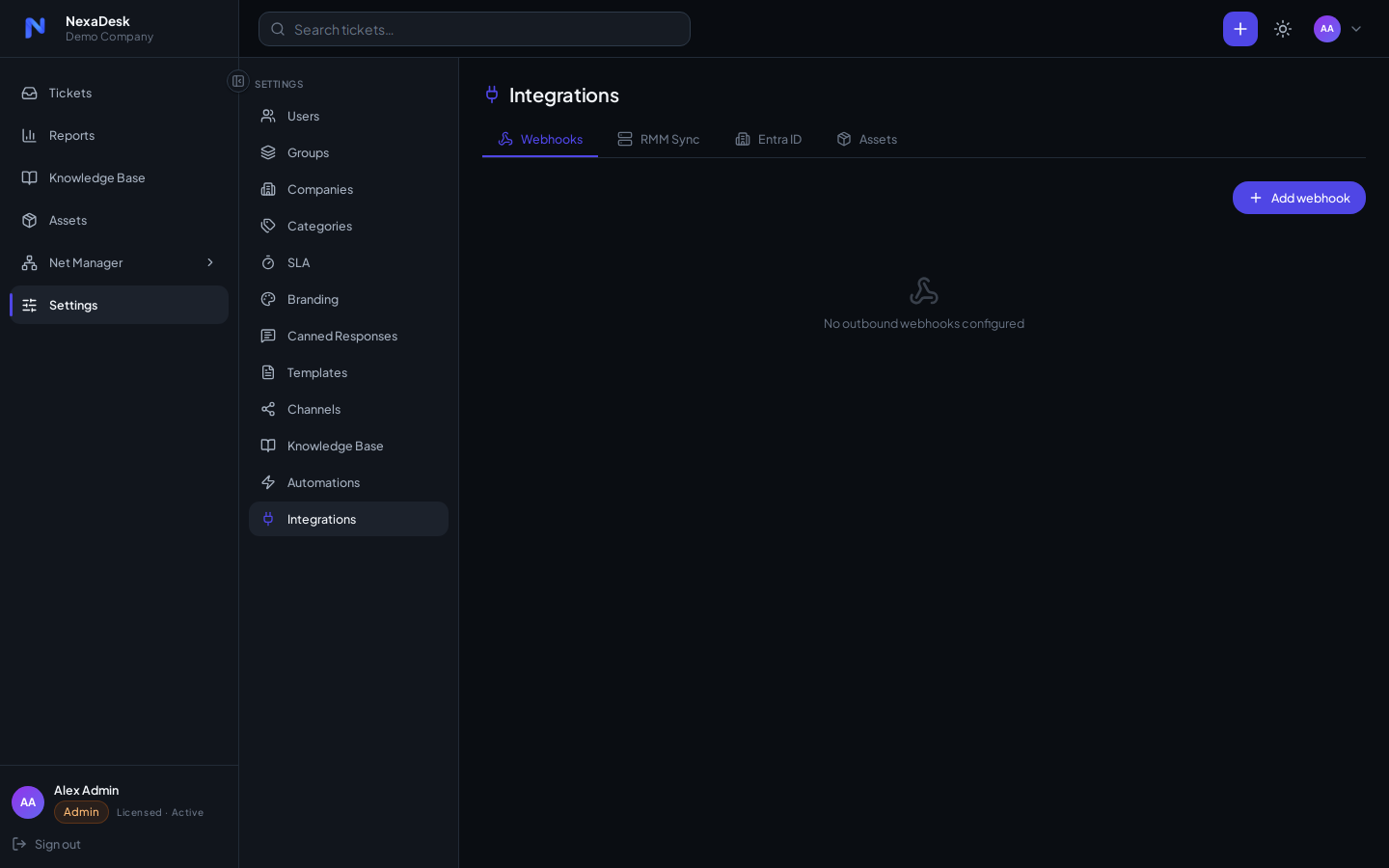
- Microsoft 365 / Entra ID — Microsoft Graph app keys, plus optional user sync
- Microsoft Teams — webhook for automation alerts
- RMM webhook — inbound alerts from your monitoring/RMM tooling create or update tickets; the endpoint is secret-authenticated and rate-limited
- Entra user sync — keep your user directory aligned with Azure AD
Each card carries its own setup flow and status indicator.
Microsoft 365 app keys (Entra ID)
The Entra ID card is where an admin enters the Microsoft Graph app-registration
credentials once. These same keys power both the Microsoft 365 email
channel and Entra user sync — there is no need to edit any
.env file.
Admin only
Only users with the Admin role can view or change these keys. The client secret is stored encrypted and is never displayed again after saving.
- In Azure, register an app (Microsoft Entra ID → App registrations), create a
client secret, and add the redirect URI
https://<your-domain>/api/channels/email/callback. Grant the delegated Graph permissions offline_access, User.Read, Mail.ReadWrite, Mail.Send (add the application permission User.Read.All as well if you want user sync). - In NexaDesk go to Settings → Integrations → Entra ID → Configure and enter the Tenant ID, Client ID, and Client secret.
- Click Test to verify the connection to Microsoft Graph, then Save. The change takes effect immediately — no restart needed.
When editing the keys later, leave the secret field blank to keep the stored secret and update only the IDs.
Once the keys are saved, connect the mailbox from Settings → Channels, and optionally enable scheduled user sync on this same card.