Companies
Settings → Companies — for MSPs and multi-tenant IT teams serving several organisations.
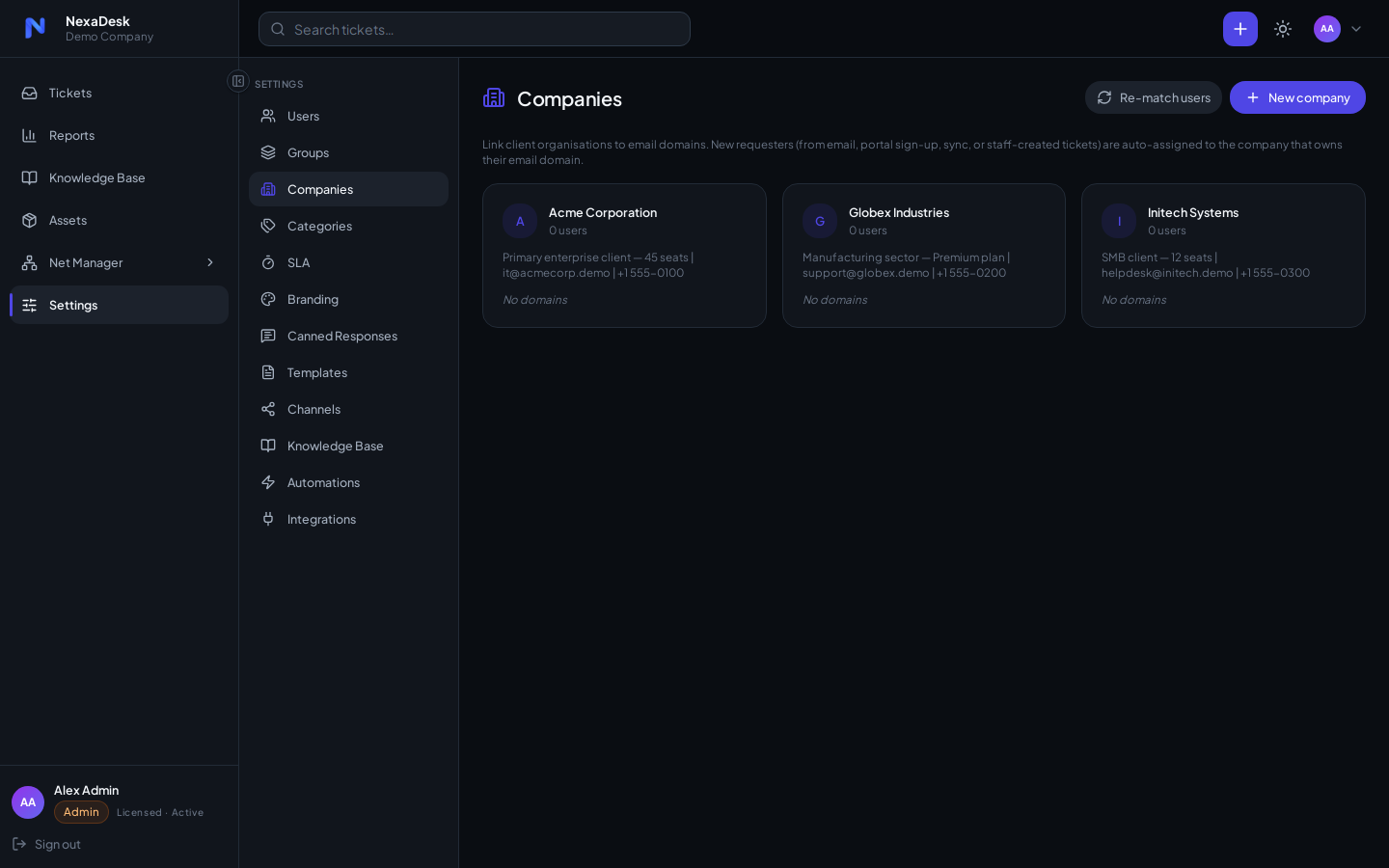
Associate requesters with their company, and tickets inherit it — the ticket list has a Company column, so you always know whose issue you're looking at. NetManager documents network infrastructure against the same companies (NetManager → Companies & Sites).
Sync with NetManager
When the NetManager add-on is licensed, your companies flow into it automatically — Settings → Companies is the single source of truth, so you maintain one list, not two. There's nothing to switch on.
- One-way. Companies you add or rename here appear in NetManager within moments. The reverse is not true: if you rename a company inside NetManager, the next sync restores the name from here.
- Existing companies are matched by name. The first time the sync runs it links a NetManager company to the Helpdesk one with the same name (case-insensitive) rather than creating a duplicate. From then on they stay paired even if you rename them here.
- Only the name and notes are shared. Everything else a NetManager company holds — address, phone, website, sites, devices, credentials, documents — is owned by NetManager and never touched by the sync.
- Just enabled NetManager? Your whole existing company list is backfilled automatically on the next sync cycle — no manual import.
Deleting a company
If you delete a company that's linked to NetManager, NexaDesk asks what to do with its NetManager data:
- Keep NetManager data (default) — the company's sites, devices, credentials and documents stay in NetManager, untouched.
- Also delete NetManager data — permanently removes the company and all of its NetManager records (sites, racks, devices, VLANs, IP addresses, config backups, credentials, documents and checklists). This cannot be undone.
Either way, the company's requesters in the Helpdesk are simply unassigned, not deleted.