Automations
Settings → Automations is NexaDesk's rule engine.
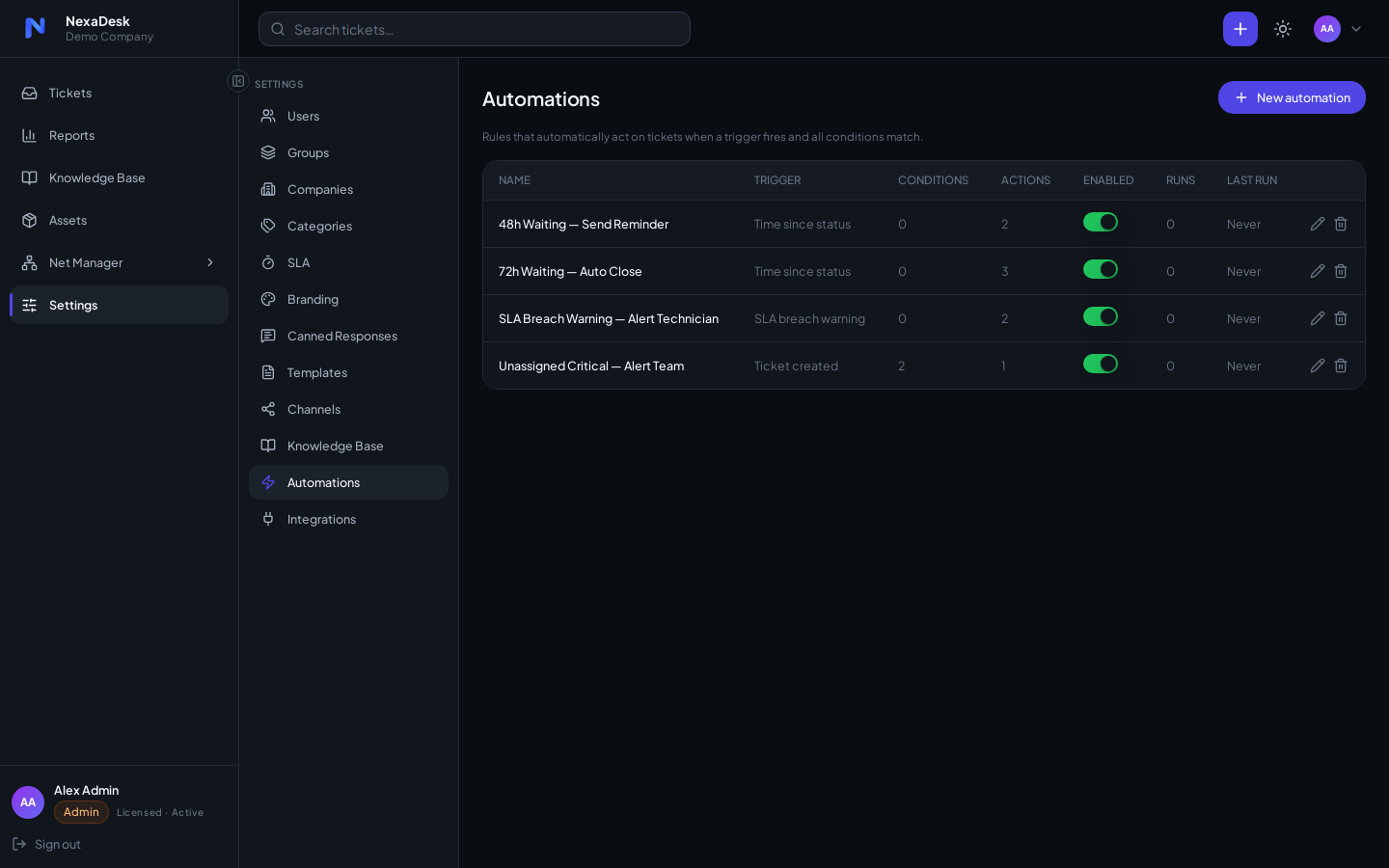
Anatomy of a rule
Every automation is trigger → conditions → actions:
| Part | Options |
|---|---|
| Triggers | Ticket events (created, updated, status changed), time-based schedules, SLA breach |
| Conditions | Match on ticket fields — status, priority, category, assignee, age, and more |
| Actions | Change status, change priority, assign, add a comment, notify, send a Microsoft Teams alert |
Examples worth stealing
- New Critical ticket → assign to on-call group + Teams alert
- SLA breached → bump priority + notify team lead
- Waiting on User for 5 days → add a gentle-nudge comment
- Resolved for 3 days with no reply → close automatically
Execution
Time-based rules run on a schedule via the built-in Celery beat worker; event rules fire as tickets change. Default automations are seeded at install (idempotent — they won't duplicate on restarts) and can be edited or disabled here.